Why “Human Firewalls” Are Your Last Line of Defense
You’ve invested in next-gen firewalls, endpoint detection, and zero-trust architecture. But here’s the uncomfortable truth: 90% of successful data breaches start with a single email.
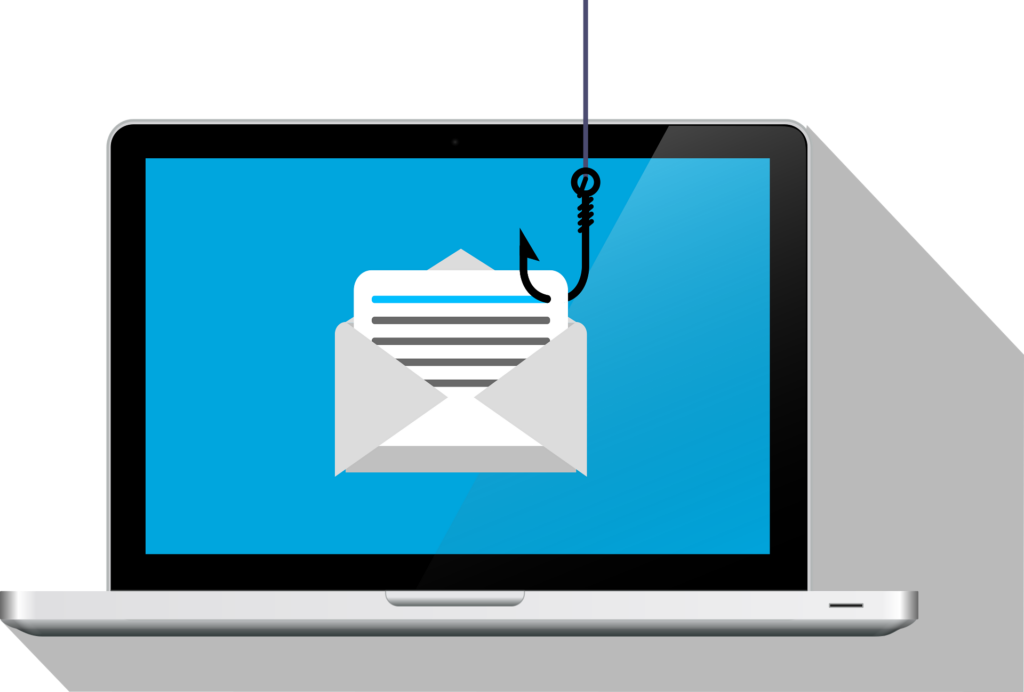
Cybercriminals aren’t hacking your systems anymore—they’re hacking your people. They send a seemingly urgent invoice, a “security alert” from Microsoft, or a fake voicemail notification. One distracted employee clicks one link, and within hours, payroll is rerouted, credentials are stolen, or ransomware is deployed.
This isn’t a hypothetical. In 2024-2025, phishing kits are cheaper than a coffee subscription, and AI-generated emails are nearly indistinguishable from legitimate correspondence.
So, how do you protect your business without locking down every inbox so tightly that work becomes impossible? You need a layered, practical defense.
Let’s break down exactly how phishing works, what signs to look for, and the four controls that stop 99% of these attacks.
Step 1: Recognize the Five Red Flags (Train Your Team)
Most phishing emails aren’t perfect—they just exploit hurry and fear. Teach every employee to pause and look for these five markers:
| Red Flag | What It Looks Like | Example |
|---|---|---|
| Urgency or threat | “Your account will be closed in 24 hours.” | “Click now to verify or lose access.” |
| Mismatched sender address | Display name says “CEO,” but email address is ceo@random-gmail.com | noreply@secure-login-verify.net |
| Generic greeting | “Dear User,” “Valued Customer,” or no greeting at all | “Dear Sir/Madam” from your “bank.” |
| Bad grammar/weird spacing | Odd capitalizations, awkward phrasing, or typos | “We have detect an unusual login.” |
| Suspicious links or attachments | Hover over a link—does it really go to that company? | Link says dropbox.com but points to dropbox.secure-files.xyz |
Pro tip for small teams: Print a one-page “Phishing Stop Sign” poster and put it next to every employee’s monitor. Seriously. It works.
Step 2: Implement Technical Controls (Stop It Before It Arrives)
Training alone is not enough. You also need email security hygiene:
- Enable SPF, DKIM, and DMARC. These DNS records tell receiving servers, “This email really came from us.” Without them, attackers can spoof your own domain to your own employees. Start with
p=nonefor DMARC to monitor, then move top=reject. - Turn on attachment sandboxing. Most business email platforms (Microsoft 365 Defender, Google Workspace with security add-ons, or third-party tools like Proofpoint/Mimecast) can open suspicious attachments in a safe virtual environment before delivering them.
- Block executable file types by default.
.exe,.js,.vbs,.scrhave no legitimate business use as email attachments. Block them at the gateway. - Use an allowlist/blocklist for known malicious domains. Maintain a custom blocklist for domains that impersonate your vendors or clients.
When these are set correctly, ~70% of phishing emails never reach the inbox.
Step 3: Adopt Zero Trust for Emails (Assume Breach)
Assume one phish will get through. Then ask: What damage can it actually do?
- Enforce MFA everywhere – No exceptions. Not on “internal” apps. Not for “low-risk” users. Use phishing-resistant MFA (like WebAuthn/FIDO2 keys or Microsoft Authenticator with number matching). SMS-based MFA stops almost nothing.
- Limit user privileges – Does your receptionist need domain admin rights? Does your finance team need to install software? No. Use the principle of least privilege.
- Disable macros by default – Many phishing attacks still rely on “Enable editing to view this document” tricks. Turn off macros across Office/Google Workspace unless absolutely required.
Real-world example: A construction firm we worked with had an employee click a fake “Docusign” link. Because MFA was on and the user had zero local admin rights, the attacker got nothing but a failed login attempt. Cost to the business: zero.
Step 4: Run Regular Phishing Simulations & Incident Response
Don’t wait for a real attack to test your people. Run quarterly simulated phishing campaigns using tools like:
- KnowBe4
- BullPhish ID
- Microsoft Attack Simulation Training (included in some M365 plans)
Track two metrics:
- Click rate (industry average is ~7-15% for first simulation; aim for under 2% after 6 months)
- Report rate (teach users to click the “Report Phish” button in Outlook/Gmail; reward those who report)
When someone fails a simulation, don’t punish them. Re-train them with a 2-minute video and move on. Shame creates shadow IT and unreported mistakes.
Sample incident response workflow for a suspected phish:
- User reports suspicious email (using the “Report Phish” button).
- IT checks headers and links in a sandbox.
- If malicious: Block the sender domain globally, reset any user sessions (even if they didn’t click), and file a report with your email security provider.
- If safe: Send a “No threat” reply to the user so they learn.
One-Page Reference: The 4-Step Weekly Checklist
Copy this into an internal Wiki or print it for your IT team:
| Frequency | Action |
|---|---|
| Daily | Review email quarantine reports; check for unusual login attempts (geolocation/device mismatches). |
| Weekly | Verify that MFA is enabled for all users (run a report from your identity provider). |
| Monthly | Update your domain’s DMARC record (if not yet at reject). |
| Quarterly | Run a phishing simulation; retrain users with >5% click rate; update your email blocklist. |
Final Takeaway
Phishing isn’t going anywhere. The emails will keep coming, and they’ll only get harder to spot. But you don’t need a perfect defense—just a practical one. Teach your team the red flags, enforce MFA everywhere, and run regular fake phishing tests. Start small, stay consistent, and don’t punish the people who are trying to protect your business.
How VxLogic helps
At VxLogic, we’ve been helping small businesses across Perth and WA with down-to-earth IT support since 2017. We can secure your network, run phishing simulations, train your staff, lock down your email systems, and handle ongoing protection, all without the hard sell. Just honest help from a local team that actually picks up the phone.
Worried about phishing? Reach out. We’ll audit your setup and show you where the real risks are.
Check out our Facebook page for more tips
Check out our Linkedin page for more tips
👉 Let’s chat. Visit VxLogic or give us a call to see how we can support your business today.